

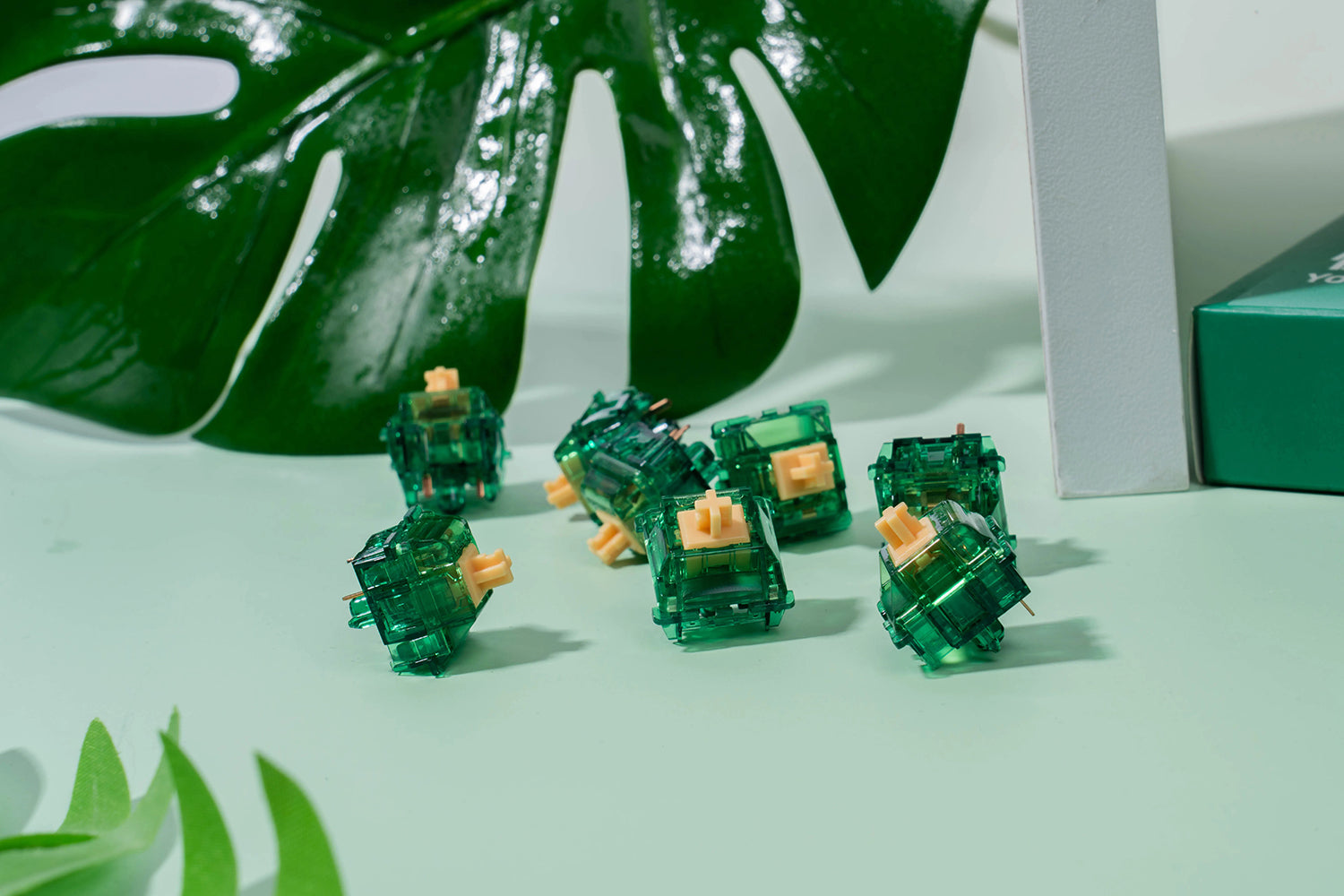
What Is Keyboard Switch Wobble?
Keyboard switch wobble is the small amount of side-to-side play you feel when you rock a keycap between your fingers instead of pressing it straight down. Every MX-style mechanical switch has some of it, because the stem has to slide freely inside the housing without binding. The question most people are really asking when they search why are my keycaps wobbly is whether that play is normal, whether it is hurting their typing, and whether anything can actually be done about it.
Wobble gets blamed on the keyboard, the plate, cheap keycaps, and most often the switches. Some of that blame is fair and some is not. This guide breaks down the two very different kinds of mechanical keyboard switch wobble, what causes each, which fixes genuinely work, and why switch films solve only half the problem despite being recommended for all of it.
Stem Wobble vs Housing Wobble: Two Different Problems
Take one thing away from this article: there are two independent sources of wobble in a mechanical switch, and they respond to completely different fixes.
- Stem wobble is play between the stem and the inside of the switch housing. Grip the keycap, rock it north-south and east-west, and the movement you feel is mostly this. It is set by the clearance between the stem rails and the housing walls.
- Top housing wobble is play between the top housing and the bottom housing. Hold the switch body itself and try to twist the upper half against the lower half. If the two halves shift against each other, you have housing wobble.
These stack. A switch with loose housings often feels like it has terrible stem wobble, because pushing the keycap sideways tilts the top housing along with the stem. That is why people so often misdiagnose the problem and reach for the wrong fix.
What Causes Stem Wobble in Mechanical Switches?
Stem wobble comes down to manufacturing tolerance. The stem must slide vertically with as little friction as possible while staying laterally constrained, and those goals pull against each other: tighten the fit too much and the switch binds, loosen it and the stem rattles. Several factors move the needle:
- Injection molding tolerances. Plastics such as POM and nylon shrink slightly as they cool. Tight, repeatable parts need better tooling and more parts rejected at inspection, which makes tolerance largely a cost decision.
- Stem geometry. Longer or wider guide rails give the stem more contact area against the housing, which limits how far it can tip under an off-center press.
- Housing design. Some switch families enclose the stem more completely than a standard MX cross-stem design, mechanically limiting sideways travel.
- Batch variation. Two switches from the same order can measurably differ, which is why enthusiasts sample a handful before judging a batch.
The uncomfortable truth is that stem wobble cannot be modded out. It is baked into the parts you bought. If it bothers you, the fix is different switches, not a mod.
What Causes Top Housing Wobble?
Housing wobble is the more fixable of the two. It happens when the top housing does not seat tightly on the bottom, leaving a small gap at the seam:
- Loose factory tolerances on the housing latches and mating surfaces.
- Repeated opening and closing. Every time you pop a switch apart to lube or film it, the latches flex slightly. Opening the same switch many times will create housing wobble that was not there originally.
- Older switch stock, where the original tolerances were looser to begin with.
Because housing wobble is a gap, a spacer can close it. That spacer is a switch film.
Do Switch Films Fix Wobble? What Films Can and Can't Do
Switch films are thin plastic or foam gaskets that sit between the top and bottom housing of a switch, taking up the slack at the seam. They are one of the most popular mechanical keyboard mods, and also one of the most oversold.
- Films fix housing wobble. This is what they are for, and they do it well.
- Films do not fix stem wobble. A film only touches the two housings. It never contacts the stem, so it cannot change the clearance the stem moves in.
Films also change sound by tightening the switch body so it resonates less, though the direction of that change is not always predictable. Treat filming as an experiment on a few switches before committing to a full set.
Switch Film Materials and Thickness
Films come in several materials and thicknesses, and the wrong one causes more problems than it solves:
- Polycarbonate films are the common hard option, typically 0.125mm to 0.15mm, with thicker versions for switches with a lot of housing play.
- HTV films sit around 0.13mm and are noticeably more flexible than polycarbonate, with a papery feel.
- Vinyl films cover a wider range, roughly 0.06mm to 0.18mm, making them a good middle ground.
- Foam films are much thicker, around 0.3mm, and highly compressible. They fit switches that will not close on a hard film, but are fiddly to place.
Thicker is not better. A film that is too thick can stop the housing closing fully, strain or snap the housing latches, make the switch hard to seat in the plate, and cause the switch to come apart in your hand when you pull it out later.
Switches That Should Not Be Filmed
Not every switch takes a film. Wing-latch style housings, including Kailh Box switches and similar families, close tightly by design and generally have no room for one. Tight-tolerance switches from other makers may refuse a hard film while accepting a soft one. If a switch will not shut cleanly under light finger pressure, stop rather than forcing it.
Does Switch Wobble Actually Affect Typing and Gaming?
Less than the internet suggests. Normal typing presses keys close to straight down, where the stem is most constrained. Wobble becomes noticeable in a few specific situations:
- Off-center presses, common on large keys and when gaming with fingers parked on a keycap edge.
- Tall keycap profiles, where extra height turns the same angular play into more visible movement.
- Running your hand across the keys, which produces a rattle unrelated to how the board actually types.
If your board types accurately under normal presses, wobble you can only find by rocking keycaps is a cosmetic complaint rather than a performance one. Where it genuinely matters is sound.
How Switch Wobble Changes Your Keyboard's Sound
Loose parts chatter. A switch with a lot of play sounds thinner and higher pitched, with a rattly upstroke, because the stem and housings knock together on top of the intended impact. Tighter switches concentrate that energy into a single lower, cleaner impact, which is much of what people mean by a deep or thocky board.
This is why wobble dominates sound discussions even though it barely affects accuracy. Chasing a specific sound profile? Wobble matters. Chasing typing speed? It mostly does not.
How to Fix Keyboard Switch Wobble: What Actually Works
Ranked from most to least effective for the effort involved.
- Choose switches with tighter tolerances. The only real fix for stem wobble. Enclosed box-style stems and longer guide rails are consistently more stable than basic cross-stem designs.
- Lube the stem rails. This does not remove play, but it damps the resulting rattle and smooths off-center presses considerably.
- Film the switches, but only if they have housing wobble. Test a sample first: if the housings do not move against each other, filming buys nothing but risk.
- Reconsider your keycaps. Thicker caps with a snug stem socket and a shorter profile reduce how much movement reaches your fingertips. A symptom fix, but a noticeable one.
- Check the switch is fully seated. A switch not pushed all the way into its hot-swap socket feels loose in a way people mistake for wobble.
If you are building or rebuilding, factory-lubed options in the key switches collection skip the lubing step, and Box-stem choices in the Kailh switches range, such as the Kailh Box Spring Linear Switches with their lubricated stems, are a sensible start if stem stability is the priority.
How to Check for Switch Wobble Before You Buy
Wobble is one of the few switch characteristics you cannot judge from a spec sheet or a sound test video. Testing in hand is the only reliable method.
- Fit a keycap you actually use; bare stems tell you little about how typing will feel.
- Rock the cap gently north-south and east-west, noting how far it moves before meeting resistance.
- Hold the switch body and twist the top housing against the bottom to separate housing wobble from stem wobble.
- Repeat on several switches, since a single sample will mislead you.
A pocket tester makes this easy. The Glacier Keycap/Switch Keychain Tester keeps a reference switch on hand, and the wider keyboard accessories range covers storage once you start collecting switches to compare.
Mistakes That Make Switch Wobble Worse
A few habits actively create the problem people are trying to solve.
- Opening switches repeatedly. Every cycle stresses the housing latches, so open once, do all your work, and close once.
- Forcing an oversized film. If the housing will not click shut, the film is too thick, and forcing it damages the latches permanently.
- Levering keycaps off with whatever is to hand. Prying at an angle can crack keycap stems, which then sit loose on the switch and feel exactly like wobble. A puller that grips the cap on opposite sides and lifts straight up avoids this entirely.
- Pulling switches at an angle. This bends switch pins, a separate and more annoying repair. Grip both latches squarely and pull straight up.
A dedicated two-in-one tool such as the Glacier Keycap/Key Switch Tool or the Glacier Keycap/Switch Puller Tool from the keyboard tools collection removes most of this risk: the keycap side lifts the cap off the stem, while the switch side grips the switch housing so you can pull straight up out of the plate.
Frequently Asked Questions About Switch Wobble
Is switch wobble normal on mechanical keyboards?
Yes. Every MX-style switch has clearance between stem and housing because the stem needs to move freely, so some play is expected and is not a defect. What varies is how much, and how consistent it is across a batch.
Do switch films stop stem wobble?
No. Films sit between the top and bottom housing and never touch the stem, so they cannot change stem-to-housing clearance. They fix housing wobble only. If a switch feels wobbly and its housings are already tight, filming will not help.
Does lubing switches reduce wobble?
Lube does not reduce the physical play, but it substantially reduces the rattle and scratchiness that play causes and makes off-center presses feel smoother. Most people find a lubed wobbly switch far more acceptable than a dry one.
Why do my keycaps feel wobbly on a new keyboard?
Usually one of three things: loose switch tolerances, a slightly loose keycap stem socket, or a switch not fully seated in its hot-swap socket. Check seating first since it costs nothing, then swap a keycap between two positions to see whether the looseness follows the cap or stays with the switch.
Which switches have the least wobble?
Designs that enclose or better guide the stem generally win. Box-style stems and extended guide rails are more laterally stable than a plain cross-stem design. Beyond that, tolerance varies by production run more than by marketing claims, which is why hands-on testing beats spec comparisons.
The Short Version
Switch wobble splits into two problems. Housing wobble is a gap between the switch halves, and a correctly sized film closes it. Stem wobble is clearance between stem and housing, decided at the factory, and no mod removes it, though lube and the right keycaps make it far less noticeable. Diagnose which one you have before buying anything, and remember that wobble you can only find by wiggling a keycap is rarely what is holding your typing back.


