

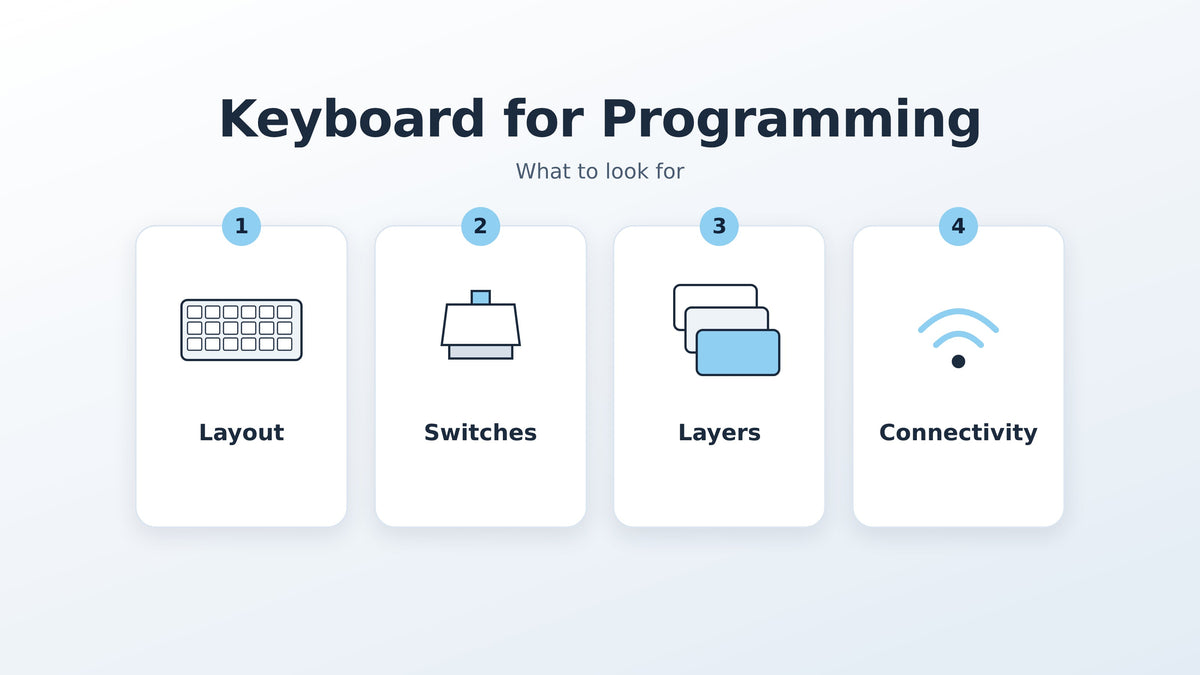
Choosing a Mechanical Keyboard for Programming
If you write code for a living, your keyboard is the tool you touch more than any other. Picking the best mechanical keyboard for programming is less about raw speed and more about comfort, accuracy, and how easily you can reach the symbols, shortcuts, and navigation keys you use hundreds of times a day.
"What keyboard should I get for coding?" is one of the most common questions in keyboard communities, and the answers usually circle the same handful of decisions: layout size, switch type, programmability, noise, and multi-device support. This guide walks through each one so you can choose a coding keyboard that fits the way you actually work.
Is a Mechanical Keyboard Good for Programming?
For most developers, yes. A mechanical keyboard does not make you a better programmer, but it removes friction from a task you repeat all day.
- Consistent keystrokes. Every key actuates at the same point with the same feel, which helps accuracy when you are typing brackets, operators, and long identifiers.
- Durability. Mechanical switches are built for far more keystrokes than a typical membrane keyboard, so a good board can last through years of daily coding.
- Customization. Many mechanical keyboards support key remapping, layers, and macros, which matter far more to programmers than to casual typists.
- Serviceability. On a hot-swappable board you can replace a single faulty switch or try a new switch type without buying a new keyboard.
The real gains come from choosing the right combination of layout, switches, and software support, which is what the rest of this guide covers.
Best Keyboard Layout for Programming
Layout is the decision that affects your workflow most. The question to ask is simple: which keys do you press constantly, and do you want them as dedicated keys or on a layer?
Full-size and 96% layouts
Full-size boards keep everything: function row, navigation cluster, arrow keys, and a number pad. A 96% layout keeps almost all of those keys but packs them closer together. These are a strong choice if you work with spreadsheets, data entry, or lots of numeric input alongside code. The Glacier Stealth GK96 Keyboard is a 96% board with silent switches, and the Skyloong GK104 Pro Keyboard is a full-size option with programmable knobs and a built-in calculator function.
TKL and 75% layouts
Tenkeyless (TKL) and 75% keyboards drop the number pad but keep the function row and arrow keys. This is the sweet spot for many developers. IDE shortcuts often live on the F-keys (in VS Code, for example, F5 starts debugging, F2 renames a symbol, and F12 jumps to a definition), and dedicated arrows make moving through code and terminal history painless. Dropping the numpad also brings your mouse closer, which is better for your shoulder.
65% and 60% layouts
A 65% keyboard keeps arrow keys but moves the function row to a layer. A 60% board moves both the F-row and arrows to layers. These compact layouts are popular with developers who use Vim-style navigation or who want a minimal desk, but they ask you to learn layer shortcuts. If you rely heavily on F-key debugging shortcuts, try a 75% before going smaller.
You can compare sizes in our 75% layout keyboards, TKL keyboards, and full-size keyboards collections.
Best Switches for Programming: Tactile, Linear, or Silent?
There is no single best switch for coding, but each type suits a different style of work.
- Tactile switches give a small bump when the key actuates. Many programmers prefer them because the bump confirms each keystroke without needing to bottom out, which can reduce typos and finger fatigue during long sessions. Browse tactile switches to compare bump styles.
- Linear switches travel smoothly with no bump. They feel fast and light, and they suit developers who also game or who prefer an uninterrupted keystroke. Lighter linears reduce effort over a full workday. See the linear switches collection.
- Silent switches add dampening to cut noise. If you code in an open office, take frequent video calls, or share a room, silent switches are the considerate choice.
- Clicky switches are satisfying to type on but loud. They are fine for a private room and a poor fit for shared spaces or calls.
Switch weight matters too. Typing all day on very heavy springs can be tiring, while very light switches can lead to accidental presses if you rest your fingers on the keys. A moderate weight is a safe starting point. If you are unsure, a switch tester such as the Glacier Keycap/Switch Keychain Tester lets you feel different switches before you commit to a full set.
Programmable Keys, Layers, and Macros for Developers
This is where a programmable keyboard for coding really earns its place. Keyboards that support remapping software, a web-based configurator, or firmware like QMK and VIA let you shape the board around your tools.
Popular tweaks among programmers include:
- Remapping Caps Lock to Ctrl or Escape. Vim and Emacs users in particular swear by this, since Caps Lock sits on the home row and is rarely used for its original purpose.
- Symbol layers that put brackets, braces, and operators under your home row while you hold a layer key, so you reach less for the top-right corner of the board.
- Navigation layers that turn keys like H, J, K, and L into arrow keys, which is especially useful on compact layouts.
- Macros for repetitive strings or multi-key shortcuts, such as a build command or a frequently used IDE action.
- Knobs and dials for volume, scrolling, or zooming through long files.
For example, the Weikav NUT75 Keyboard uses a web driver for remapping, macros, and lighting with no software to install, which is handy on locked-down work machines where you cannot install apps. If you are new to layers, start with one or two changes and add more as they become habit.
Wireless and Multi-Device Support for Coding
Many developers switch between a work laptop, a personal desktop, and sometimes a tablet. A tri-mode keyboard with wired, 2.4GHz, and Bluetooth connections lets you move between machines with a key combination instead of swapping cables.
- Bluetooth is convenient for pairing several devices, such as a work laptop and a personal machine.
- 2.4GHz wireless uses a dedicated receiver and is generally the more responsive wireless option.
- Wired USB-C is the most reliable connection and removes battery concerns entirely.
If you switch between Windows, macOS, and Linux, check how the keyboard handles modifier keys. Many boards include a system toggle that swaps the Windows and Alt keys to match the Mac Command and Option layout.
Noise, Comfort, and Ergonomics for Long Coding Sessions
Programming sessions are long, so comfort deserves as much attention as features.
- Sound. Gasket mounts, foam layers, and silent or well-lubed switches produce a softer, less fatiguing sound. That matters for you and for anyone nearby.
- Keycap profile. Sculpted profiles such as Cherry and OEM give each row a slightly different angle, which many typists find more comfortable over hours. Durable PBT keycaps also resist the shine that comes from heavy daily use.
- Typing angle and posture. Keep your wrists straight and avoid pushing the keyboard so high that your wrists bend upward. A compact layout also keeps your mouse hand closer to your body.
- Light touch. You do not need to bottom out every key. Learning to type with a lighter touch reduces strain no matter which switch you choose.
If you experience ongoing pain while typing, speak with a medical professional. A better keyboard can help with comfort, but it is not a treatment.
Quick Checklist: How to Choose a Keyboard for Programming
- Pick a layout based on the keys you use most. Choose TKL or 75% if you want F-keys and arrows without a numpad.
- Choose a switch type: tactile for feedback, linear for smoothness, silent for shared spaces.
- Confirm programmability: remapping, layers, and macros through software, a web configurator, or VIA support.
- Check connectivity if you work across several computers or operating systems.
- Prefer hot-swap sockets so you can change switches later without soldering.
- Consider sound if you work in an office or take calls.
Ready to compare options? Browse our full range of mechanical keyboards, or build your own with a keyboard kit.
Frequently Asked Questions About Keyboards for Programming
What keyboard layout is best for programming?
For most programmers, a TKL or 75% layout is the best balance. It keeps the function row for IDE shortcuts and dedicated arrow keys for navigation while dropping the number pad to save desk space. Go full-size if you enter a lot of numbers, or 65% and smaller if you are comfortable using layers.
Are tactile or linear switches better for coding?
Both work well. Tactile switches give a bump that confirms each keypress, which many developers find helps accuracy during long typing sessions. Linear switches feel smoother and faster. If you share a space, choose silent switches of either type.
Is a 60% keyboard good for programming?
It can be, but it has a learning curve. A 60% keyboard moves the arrow keys and function row to layers, so you need to learn layer shortcuts for navigation and debugging. Developers who use Vim-style navigation often love it, while those who rely on F-key shortcuts usually prefer a 65% or 75% board.
Do programmers need a programmable keyboard?
You do not need one, but it helps. Being able to remap Caps Lock, add a symbol layer, or record macros for repetitive commands can save time and reduce awkward finger stretches. Look for a keyboard with remapping software, a web configurator, or VIA support.
Are mechanical keyboards too loud for coding in an office?
Not if you choose carefully. Silent switches, a dampened case with foam layers, and avoiding clicky switches keep a mechanical keyboard quiet enough for most offices and video calls.


