

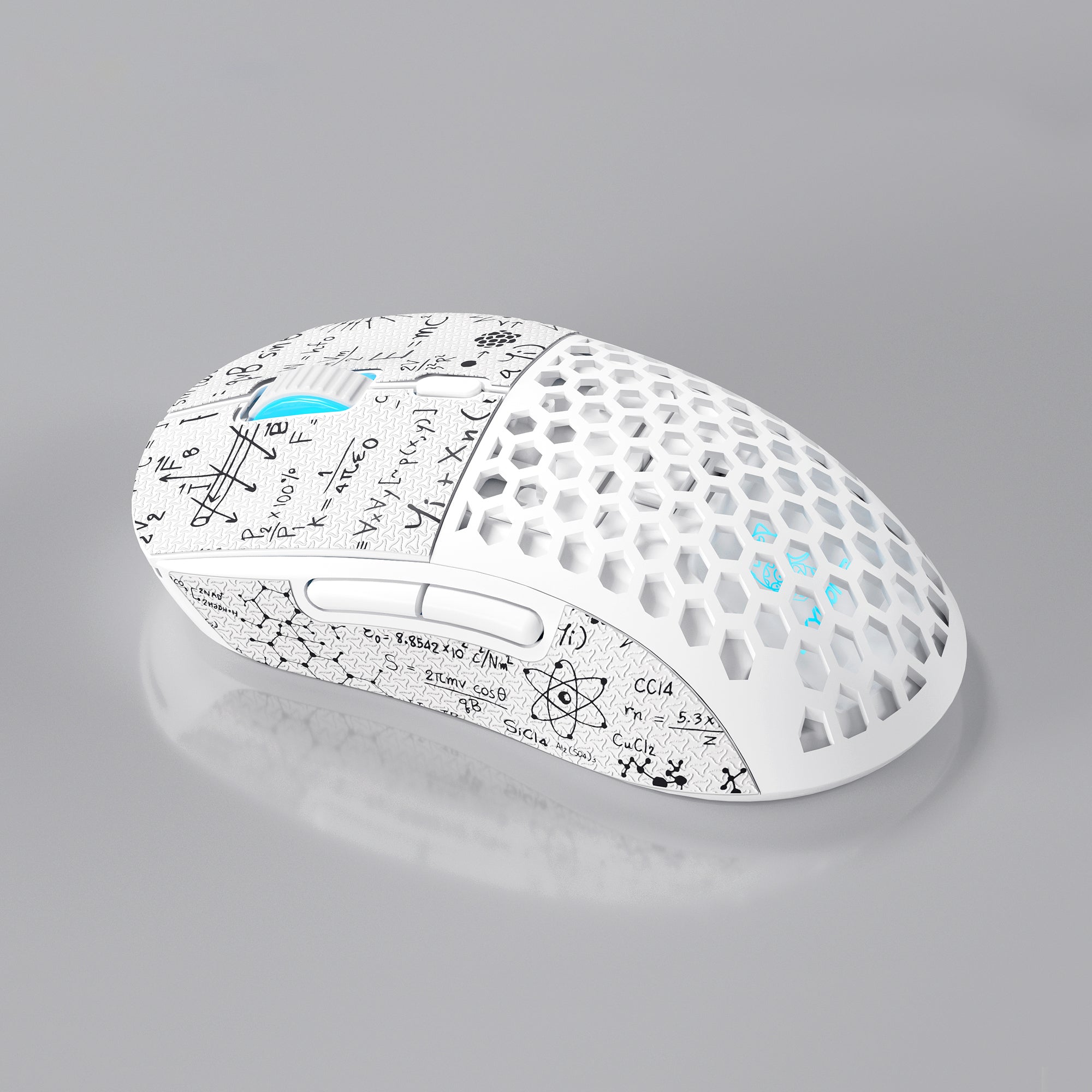
Mouse DPI and Sensitivity Explained: What the Number Actually Means
Almost every gaming mouse box leads with a DPI number, and it is usually enormous. Twenty thousand. Thirty thousand. Sometimes higher. Then you check a competitive player's settings and find they run 800 DPI on a mouse capable of twenty times that. It is one of the most confusing gaps in PC gaming gear, and it leaves beginners asking the same thing over and over: what DPI should I use for gaming?
The short answer is that mouse DPI is a scale, not a score. A higher number is not a better number, and past a certain point it is not even a real number. This guide covers what mouse DPI means, how DPI and in-game sensitivity combine into eDPI, how to find the best mouse sensitivity for your setup, and which settings quietly change your aim behind your back.
What Is Mouse DPI? (And Why CPI Is the More Accurate Term)
DPI stands for dots per inch. It describes how many movement counts your mouse sensor reports for every inch you physically move it across the pad. At 800 DPI, moving the mouse one inch sends 800 counts to your PC. At 1600 DPI, the same physical inch sends 1600 counts, so your cursor or crosshair travels twice as far.
Strictly speaking, CPI — counts per inch — is the correct term. DPI is borrowed from printing, where it describes ink dots on paper. A mouse sensor does not print anything; it photographs the surface beneath it thousands of times per second and counts how far the pattern shifted. The industry standardized on "DPI" for marketing reasons and it stuck, so read the two as interchangeable.
The practical takeaway: DPI controls how much cursor movement you get per centimeter of hand movement. It is not a resolution, a precision rating, or a quality tier.
Native DPI vs Interpolated DPI: Why Huge Numbers Are Mostly Marketing
This explains the gap between the box and the pros. Every optical sensor has a native resolution ceiling — the highest count it can genuinely resolve from the surface it images. Many mice advertise a maximum well above that ceiling, and the values above it come from interpolation: firmware inventing counts between the ones the sensor actually measured.
Interpolated DPI is not free. It can introduce:
- Sensor jitter — small false movements when your hand is still, because estimated counts do not perfectly match reality.
- Smoothing — firmware filtering applied to hide that jitter, which adds a small delay to your movement.
- Non-linear tracking — the relationship between hand movement and cursor movement stops being perfectly consistent, which is what muscle memory depends on.
There is a second, simpler reason nobody games at the top of the range: it is unusable. At extreme DPI, a twitch of a few millimeters spins your view completely around, and even on the desktop the cursor becomes impossible to place on a small target.
Treat a mouse's headline DPI figure as a ceiling, not a recommendation. The Skyloong M1 Mouse adjusts up to 15,000 DPI, for example, but the setting most people actually land on sits between 400 and 1600. What matters far more on a spec sheet is whether the mouse adjusts DPI in fine steps — many move in increments of 50 or 100 — so you can dial in a value instead of jumping between coarse presets.
DPI vs In-Game Sensitivity: Why eDPI Is the Real Number
Your DPI setting is only half of your aim. The other half is your in-game sensitivity multiplier, which games apply on top of whatever your mouse sends. Two players can quote wildly different DPI values and aim identically. That is what eDPI solves:
- eDPI = mouse DPI × in-game sensitivity
So 800 DPI at 0.35 sensitivity gives an eDPI of 280 — and so does 1600 DPI at 0.175. Those two setups feel identical in game, which is why eDPI is the only fair way to compare mouse sensitivity between players. Answer "what sens do you use?" with DPI alone and you have said almost nothing.
One caveat: eDPI is only comparable within a single game, because each title scales sensitivity differently. To compare across games, players use cm/360 — the centimeters of physical mouse movement needed to turn a full 360 degrees. It is hardware and game agnostic, which makes it the most honest description of a sensitivity there is.
What DPI Should You Use for Gaming?
There is no single best mouse DPI, but there are sane defaults with clear reasoning behind them.
- 400 to 1600 DPI covers the overwhelming majority of competitive FPS players, and 800 DPI is the most common starting point — a clean number, comfortably inside every sensor's native range, that halves and doubles neatly.
- Tactical shooters skew to low eDPI. Aim there is about precise micro-adjustments onto small targets, and a slower crosshair is easier to control. Expect large arm sweeps and a need for desk space.
- Fast movement shooters and battle royales tend to run higher eDPI, since you need to whip around, track, and reposition constantly.
- MOBA, MMO, RTS and general desktop use usually sit higher still — often 1600 DPI and up — since you are moving a cursor across a screen rather than turning a camera. High-resolution and multi-monitor setups benefit for the same reason: there is more screen to cross.
Two factors matter more than any recommended number: how much desk space you have, since a low eDPI is unusable on a small pad, and your grip style — palm grip and arm aiming suit lower sensitivities, while claw and fingertip grips, which pivot from the wrist, generally want something faster.
How to Find Your Best Mouse Sensitivity: A Practical Method
Guessing rarely works. Testing takes twenty minutes and lasts for years.
- Set a clean, native-range DPI and leave it there. 800 is the standard choice. From here on, tune only the in-game slider so you always know your eDPI.
- Turn off mouse acceleration. Nothing you test is valid until this is off — details in the next section.
- Measure your cm/360. Line the crosshair up with a fixed point in game and swipe until your view completes exactly one full rotation. How far the mouse traveled is your cm/360. Roughly 30 to 45 cm is a common tactical-shooter range, 20 to 30 cm is a middle ground, and below about 20 cm is fast.
- Adjust in small increments. Change in-game sensitivity by about 10 percent at a time. Large jumps destroy the muscle memory you are building and make it impossible to tell what improved.
- Give each setting real playtime, then stop changing it. A new sensitivity feels wrong for an hour regardless of whether it is better. Consistency beats optimality — a mediocre sensitivity you have used for six months will outperform a perfect one you adopted yesterday.
Settings That Quietly Change Your Mouse Sensitivity
Several system-level settings alter your effective sensitivity without appearing in any game menu.
- Enhance pointer precision. This is Windows mouse acceleration. With it on, a fast 10 cm swipe and a slow 10 cm swipe move your cursor different distances, making consistent muscle memory impossible. Turn it off before doing anything else.
- Windows pointer speed. The slider has eleven notches, and the middle sixth notch is the neutral position that applies no scaling. Other positions multiply or divide the counts your mouse sends, and lower positions do it by discarding counts. Leave it at 6/11.
- Raw input. Most modern FPS titles read the mouse directly through raw input, bypassing the Windows pointer slider and acceleration. Not every game does, and your desktop always uses them — set them correctly regardless.
- In-game acceleration and smoothing. Some titles ship their own versions, occasionally enabled by default. Check the game's mouse menu.
DPI vs Polling Rate: Two Completely Different Specs
These get conflated constantly. DPI is about distance; polling rate is about time.
Polling rate, measured in hertz, is how often your mouse reports its position to your PC — 1000 Hz means one report every millisecond. Raising it does not change how far your crosshair moves per centimeter, only how often the position updates, which affects smoothness and latency rather than sensitivity.
For most players, 1000 Hz is the point of comfortable diminishing returns, and it is where mice like the tri-mode Skyloong M1 sit. Higher rates such as 4000 Hz and 8000 Hz exist and are measurable, but the benefit shrinks quickly while CPU and battery use rise. The same argument plays out on the keyboard side, covered in our guide to keyboard polling rate.
Your Mousepad Is Part of Your Sensitivity Setup
The pad is the most underrated variable here, for two reasons.
First, size sets the floor on how low you can go. Low eDPI means big arm movements, and if a 180-degree turn runs your mouse off the edge of the pad you will constantly be lifting and repositioning — which costs far more accuracy than a slightly-too-fast sensitivity would. Choose pad size and sensitivity together.
Second, surface consistency affects tracking. Optical sensors read surface texture, and a worn or wrinkled pad gives them inconsistent data. A pad that creeps across the desk mid-swipe undoes your muscle memory in a way that is hard to diagnose. The Glacier Frosted Mousepad uses a non-slip base for exactly that reason, and the full mousepads range is worth browsing alongside the gaming mice collection if you are building a setup from scratch.
Frequently Asked Questions About Mouse DPI
Is higher DPI better for gaming?
No. Higher DPI simply means more cursor movement per inch of hand movement. Beyond a sensor's native resolution, the extra values are interpolated by firmware and can add jitter or smoothing rather than precision. Most competitive players deliberately use 400 to 1600 DPI, well below their mouse's maximum.
What DPI do most professional players use?
The clear majority sit in the 400 to 1600 DPI band, with 800 the most common single value. What they are matching is eDPI, not DPI — a player at 400 DPI and one at 1600 DPI can have identical crosshair speed once in-game sensitivity is accounted for.
What is the difference between DPI and eDPI?
DPI is a hardware setting on the mouse. eDPI is your mouse DPI multiplied by your in-game sensitivity, and it describes how fast your crosshair actually moves. Because games scale sensitivity differently, eDPI is only directly comparable between players within the same game.
Does DPI affect input lag or polling rate?
Not meaningfully. DPI controls distance per movement; polling rate controls how often the mouse reports. The one indirect exception is that very high interpolated DPI settings can trigger firmware smoothing on some mice, adding a small delay. Staying within the sensor's native range avoids that.
Should I use 800 or 1600 DPI?
Either works, since you can match the same eDPI at both by halving or doubling in-game sensitivity. 800 is the safer default for shooters and sits well inside every sensor's native range; 1600 is often more comfortable for desktop work and high-resolution or multi-monitor setups. Pick one and tune the in-game slider rather than switching back and forth.
Final Thoughts: Pick a Number, Then Stop Thinking About It
Mouse DPI is one of the most over-marketed specs in PC gaming. The number on the box says almost nothing about how a mouse performs, and chasing it works against you once you pass what the sensor natively resolves.
What actually improves your aim is far more boring: set a clean DPI inside the native range, turn off acceleration, measure your cm/360, adjust in small steps, make sure your pad is big enough for the sensitivity you chose, then leave it alone long enough to build muscle memory. Consistency is the setting that wins games.
Building a full setup? The gaming mice and mousepads collections cover the pointing half, and the keyboards range covers the rest of the desk.


