

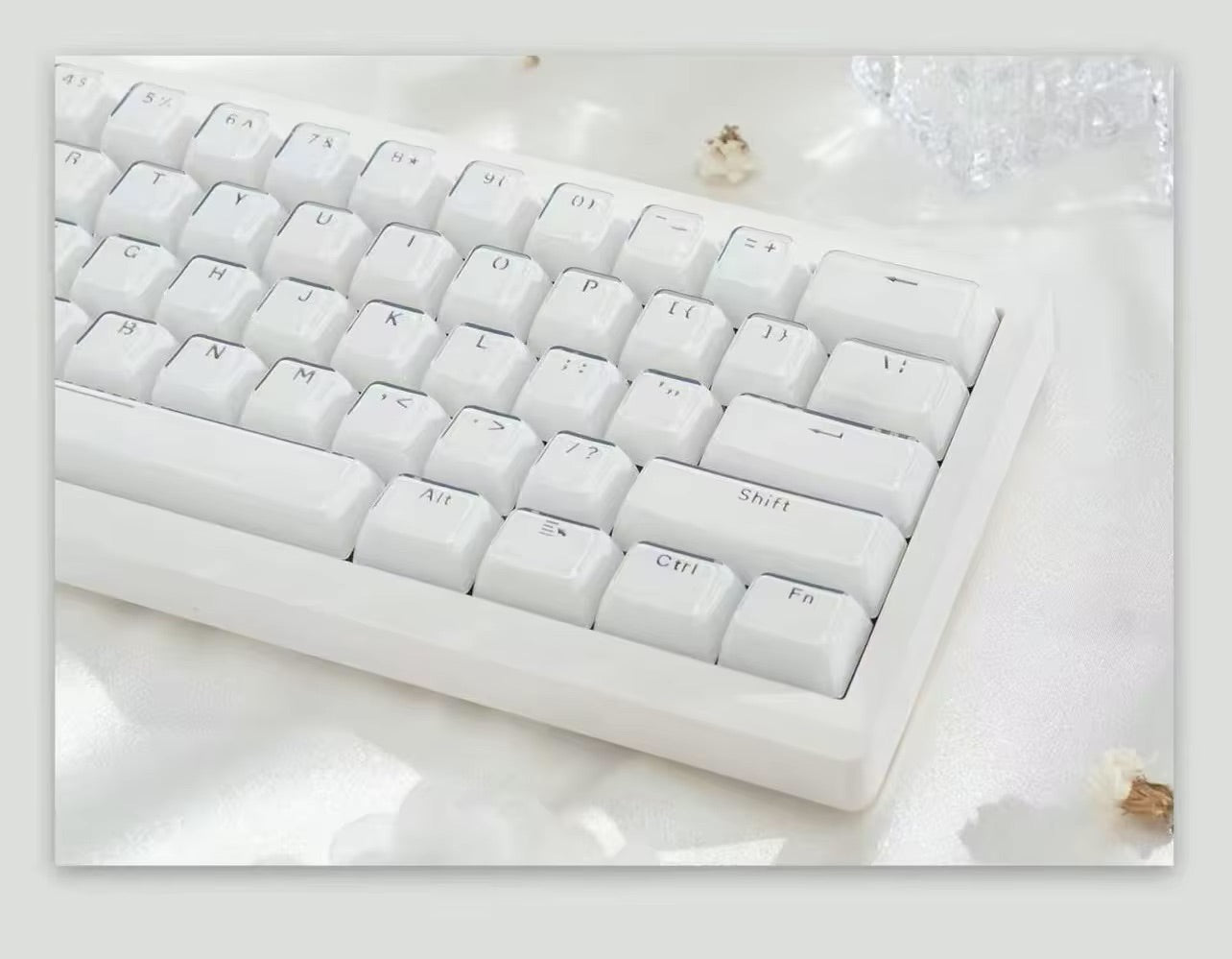
What Is NKRO? N-Key Rollover and Keyboard Ghosting Explained
NKRO stands for N-key rollover, and it describes a keyboard that registers every key you press at the same time, no matter how many keys are already held down. It is one of the most common questions new mechanical keyboard buyers ask, usually right after they discover their old keyboard drops inputs mid-game or produces a key they never touched. That second problem has its own name: keyboard ghosting.
This guide explains what n-key rollover actually is, what causes ghosting and phantom key presses, what the difference is between 6KRO and NKRO, why "USB only supports six keys" is a myth that refuses to die, and whether NKRO matters for gaming or typing. You will also learn how to test key rollover on your own keyboard in about thirty seconds.
What Is Keyboard Ghosting and Why Does It Happen?
Keyboard ghosting is when a key you never pressed shows up on screen. It is not a software bug and it is not your imagination — it is a side effect of how a keyboard matrix is wired.
To avoid running a separate wire from every key to the controller, keyboards arrange switches in a grid of rows and columns. The controller scans that grid many times per second and works out which key is down from which row and column are connected. That keeps the circuit board simple, but it creates an ambiguity.
When three keys that form three corners of a rectangle in that grid are held at once, current can sneak around the matrix through the closed switches and light up the fourth corner too. The controller sees a connection it cannot distinguish from a real press, so it reports a phantom key press. That is ghosting.
The fix is a component that costs almost nothing: a diode placed in series with each switch. A diode allows current to flow in only one direction, so the sneak path around the matrix is closed off and every key reads independently. Nearly every modern mechanical keyboard and keyboard kit has one diode per key on the PCB, which is why true ghosting is now rare on mechanical boards and still common on cheap membrane keyboards that cannot easily mount them.
Ghosting vs Blocking: Two Different Failures
People use "ghosting" for any multi-key problem, but there are really two failure modes and they feel completely different.
- Ghosting adds an input you never made. You hold three keys and a fourth character appears.
- Blocking, also called jamming or masking, removes an input you did make. You hold three or four keys and the last one simply does nothing.
Blocking is what most people actually experience today. Rather than let a phantom key through, the controller detects the ambiguous combination and refuses to report the extra key. It is the safer failure, but in a game it feels identical to a dropped input: you are strafing, sprinting and crouching, you press the jump key, and nothing happens.
This distinction matters when you shop. A keyboard advertised as anti-ghosting is only promising it will not invent keys. It is not promising it will register everything you press. Only full n-key rollover promises that.
6KRO vs NKRO: What the Numbers Actually Mean
Rollover specifications describe how many simultaneous key presses a keyboard guarantees to report correctly.
- 2KRO — any two keys are guaranteed. Some three-key combinations work, many do not. Typical of budget membrane keyboards.
- Multi-key rollover — the matrix is laid out so that commonly used clusters, usually around WASD, behave well. Marketing often calls this anti-ghosting.
- 6KRO — six regular keys at once, plus modifiers tracked separately. This is not a hardware limit; it comes from a specific USB report format described below.
- NKRO — every key is read independently, so any number of simultaneous presses registers correctly.
You will also see boards advertised as 10KRO, 12KRO or "26-key rollover." Those numbers are largely marketing. A keyboard with per-key diodes is either limited by the report format it uses or not limited at all — there is no meaningful hardware reason to stop at exactly twelve keys.
Why "USB Only Supports 6 Keys" Is a Myth
This is the single most repeated piece of misinformation about n-key rollover on USB keyboards, and it is worth clearing up because it changes what specs are worth paying for.
USB keyboards can operate in two modes. The boot protocol is a minimal, fixed format designed so that any keyboard works in a BIOS or UEFI setup screen before an operating system and its drivers have loaded. That format is a short report containing one byte of modifier flags — covering the left and right versions of Ctrl, Shift, Alt and the Windows or Command key — plus six slots for regular key codes. Six slots, six keys. That is where the number comes from.
The report protocol is what your operating system actually uses once it is running. It has no six-key ceiling at all. A keyboard describes its own report format to the host when it is plugged in, and a board that reports key states as a bitmap — one bit per key — can send every key on the board pressed at once without breaking any rule in the USB specification.
So the practical takeaway is this: USB supports full NKRO. What is limited to six keys is the fallback mode used in firmware setup screens. If someone tells you that you need PS/2 for real n-key rollover, that advice is around two decades out of date.
This also explains a confusing symptom people post about constantly: a keyboard that works perfectly in Windows but behaves oddly, or is not recognized at all, in a BIOS menu. That is the boot protocol at work. Some boards include a compatibility toggle for exactly this reason, and firmware such as QMK exposes a keycode for switching NKRO on and off on the fly.
Do You Actually Need NKRO for Gaming?
For most gaming, six keys plus modifiers is enough. Think about a typical FPS input: two movement keys for a diagonal, Shift to sprint, Ctrl to crouch, Space to jump, maybe a weapon key. Modifiers do not consume the six regular slots, so you are rarely at the limit.
Where full NKRO matters is more specific:
- Rhythm games, where four to eight columns can be struck in overlapping bursts and a single dropped note ruins a run.
- Fighting games and platform fighters played on a keyboard, where multiple directional and attack inputs stack in the same frame.
- Stenography and chorded input, which register whole words by pressing many keys as a single chord.
- Music production and virtual instruments, where the keyboard stands in for a MIDI controller and chords need to sound together.
- Heavy macro and layer users, who routinely combine several modifiers with multiple regular keys.
If none of that describes you, treat NKRO as a nice-to-have rather than a dealbreaker. What you should genuinely avoid is a keyboard with only two-key rollover and no per-key diodes, because that is where dropped inputs during ordinary fast typing come from.
How to Test Key Rollover on Your Keyboard
You do not need software to find out where your keyboard gives up. Open any text field and try this:
- Hold down a letter key and keep it held.
- Add a second key, then a third, then a fourth, one at a time, without releasing any.
- Watch the field. Each new key should print exactly one character.
- Keep adding keys until either a character stops appearing — that is blocking — or a character you did not press appears, which is ghosting.
- Repeat with keys spread across different areas of the board, then with keys clustered together. Rollover behavior depends on matrix position, so a cluster around WASD may pass while a scattered set fails.
Browser-based key rollover testers do the same thing with a visual keyboard map, which makes it easier to see exactly which keys registered. Test in your operating system rather than a BIOS screen, or you will be measuring the boot protocol instead of your keyboard.
NKRO on Wireless, Magnetic, and Custom Keyboards
Rollover behavior is not identical across every connection type or switch technology, and this is where product specs are worth reading closely.
Wireless keyboards send the same HID reports over a 2.4 GHz dongle or Bluetooth, so there is no inherent barrier to n-key rollover. In practice it depends on the firmware and receiver implementation, and some boards behave differently in wired mode than in wireless mode. If rollover matters to you, check the specification for the mode you actually plan to use.
Magnetic and Hall effect keyboards approach the problem from a different direction. Instead of detecting a contact closing somewhere in a shared grid, each key reports the position of a magnet to its own sensor, so the classic three-corners-of-a-rectangle ghosting scenario is not the relevant failure mode. Rollover then comes down to the report format and firmware. The Skyloong HE75 Magnetic Keyboard, for example, lists N-key rollover in its specifications alongside an 8000 Hz polling rate and adjustable actuation from 0.1 mm to 4.0 mm. You can compare the rest of the range in our magnetic keyboards collection.
Custom builds put the decision in your hands. A hot-swap PCB from our keyboard kits selection already has the diodes soldered in place, so rollover is determined by the controller and firmware rather than by which switches you install. Swapping linears for tactiles changes how a board feels and sounds — it does not change how many keys it can report at once.
Frequently Asked Questions About NKRO and Ghosting
Is NKRO the same as anti-ghosting?
No. Anti-ghosting means the keyboard will not report keys you did not press, which it can achieve simply by ignoring ambiguous combinations. NKRO means every key you do press is reported. A board can be anti-ghosting and still drop your fourth simultaneous input, so the two terms are not interchangeable.
Do all mechanical keyboards have NKRO?
No. Almost all mechanical keyboards have per-key diodes, which eliminates true ghosting, but the rollover a board reports still depends on its firmware and USB report format. Plenty of mechanical keyboards ship with 6-key rollover by default, sometimes with a toggle to enable full NKRO.
Why does my keyboard stop working in the BIOS?
Firmware setup screens use the USB boot protocol, a minimal mode that supports six regular keys plus modifiers. Keyboards using a custom NKRO report format sometimes are not recognized properly there. Toggling NKRO off, or using a board that advertises BIOS compatibility, usually resolves it.
Does NKRO reduce input lag or improve response time?
No. Rollover is about how many keys can be reported at once, not how quickly they are reported. Latency is governed by things like polling rate, debounce handling and firmware scan rate. A 6KRO keyboard and an NKRO keyboard with identical polling behave identically on a single key press.
How many keys can I press at once on a 6KRO keyboard?
Six regular keys, plus up to eight modifier keys tracked in a separate field — the left and right versions of Ctrl, Shift, Alt and the Windows or Command key. That is why holding Shift and Ctrl while gaming does not eat into your six-key budget.
The Short Version
Ghosting is your keyboard inventing a key press; blocking is your keyboard swallowing one. Per-key diodes solve the first, and n-key rollover solves the second. USB was never the six-key bottleneck people claim — that limit applies only to the boot protocol used in firmware setup screens. For most gaming and all normal typing, 6KRO plus modifiers is plenty; if you play rhythm games, chord heavily or stack macros, check the spec sheet for full NKRO before you buy. Browse our range of mechanical keyboards when you are ready to compare.


