

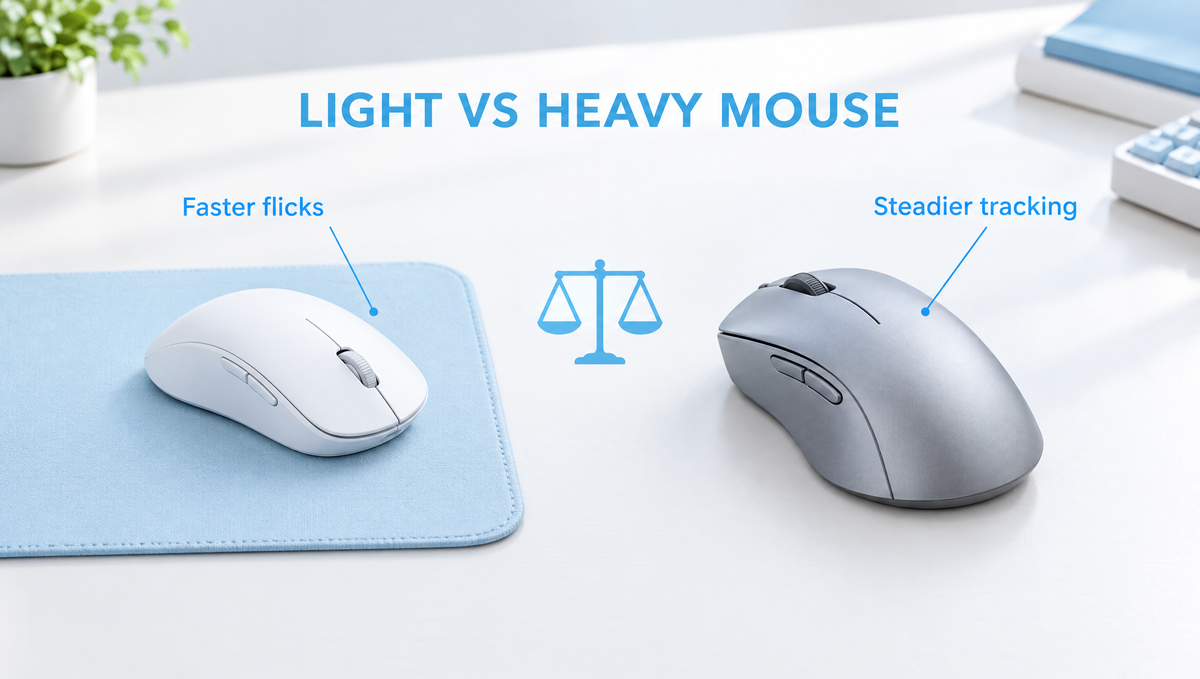
Gaming Mouse Weight: Does a Lighter Mouse Really Improve Your Aim?
Gaming mouse weight is one of the most debated specs in competitive gaming. Over the last few years, lightweight and ultralight mice have taken over FPS setups, and many players now ask the same question: is a lighter mouse better for aiming, or is it just another number on the box?
The short answer is that weight matters, but not in the way marketing often suggests. A lighter mouse takes less effort to start and stop, which can help with fast flicks and long sessions. A slightly heavier mouse can feel calmer and more controlled for some players. This guide explains how mouse weight affects aim, what weight ranges mean in practice, and how to choose the best mouse weight for gaming for your own grip, sensitivity, and games.
Why Mouse Weight Matters for Gaming
Every time you move your mouse, your hand has to accelerate it, move it, and then stop it on target. The more mass the mouse has, the more force those starts and stops require. That simple physics is the foundation of the whole light vs heavy mouse debate.
- Starting and stopping: A lighter mouse responds to smaller amounts of force, so quick direction changes and micro-corrections take less effort.
- Overshooting: With a heavier mouse, its momentum can carry it a little past where you meant to stop, especially during fast flicks.
- Fatigue: Moving less mass thousands of times per match adds up. Many players find a lighter mouse less tiring over long sessions, especially at low sensitivity.
- Lifting and repositioning: Low-sensitivity players lift and reset the mouse constantly. A lighter shell makes every lift easier.
None of this means a lighter mouse will automatically make you a better player. It reduces the physical effort of aiming. Your skill, sensitivity, and comfort still decide where the crosshair ends up.
How Gaming Mice Got So Light
For years, many gaming mice were fairly heavy, often over 100 grams, and some even shipped with removable weights so players could make them heavier. The thinking was that more mass meant more stability and control.
That trend reversed as competitive FPS players started favoring lower weights. Early ultralight mice often used perforated or "honeycomb" shells to cut grams, which raised concerns about dust, spills, and the look of the holes. Today, many lightweight mice use solid shells with thinner walls and lighter internal parts, and wireless models have become light enough that the cable is no longer a trade-off for low weight.
Mouse Weight Ranges Explained
There is no official standard for mouse weight classes, but the community generally talks about weight in rough ranges. Treat these as loose guidelines, not hard rules:
- Ultralight (roughly under 60g): Popular with competitive FPS players who want the fastest possible starts and stops and the easiest lifts.
- Lightweight (roughly 60g to 80g): A very common sweet spot. Light enough for fast aim, with room for a solid shell, a battery, and features like RGB lighting.
- Mid-weight and heavier (roughly 80g and up): Common on ergonomic shapes, larger mice, and mice with many extra buttons. Some players prefer this extra mass for a steadier feel.
Many reviewers and players note that the benefit of shaving grams gets smaller once a mouse is already light. Dropping from a heavy mouse to a lightweight one is usually a clear, noticeable change. Dropping a few more grams from an already light mouse is much harder to feel, and at that point shape, grip, and balance usually matter more than the number on the scale.
Light vs Heavy Mouse: Pros and Cons
Benefits of a lightweight gaming mouse
- Less effort for fast flicks and quick target switching
- Easier micro-adjustments once you are near the target
- Less fatigue over long sessions, especially with big arm movements
- Easier lifting and repositioning at low sensitivity
Downsides of a very light mouse
- Can feel twitchy or "nervous" if you grip tightly or tense up
- Very thin shells on some designs can flex or creak under pressure
- Small mistakes in hand movement are less damped by the mouse's own mass
Why some players still prefer a heavier mouse
- A steadier, more planted feel for smooth tracking of moving targets
- Natural damping of small hand jitters, which some high-sensitivity players like
- Room for extra buttons, larger ergonomic shapes, and bigger batteries
In other words, the best gaming mouse weight is the one that lets you move confidently without fighting the mouse or feeling like it slips out of control.
Mouse Weight, Sensitivity, and Grip Style
Mouse weight never works alone. It interacts closely with your sensitivity, your grip, and your mousepad.
Low sensitivity vs high sensitivity
Players who use low DPI and low in-game sensitivity make large arm movements and lift the mouse often. They tend to feel the biggest benefit from a lighter mouse, because they are moving it further and more often. Players who use high sensitivity make smaller wrist and finger movements, so weight matters less for effort, and some prefer a bit more mass for stability. If you want to dig into this side, our guide to mouse DPI and sensitivity covers it in detail.
Palm, claw, and fingertip grip
Grip style changes how weight feels. Fingertip grip players move the mouse mostly with their fingers, so a light, small shell is often easier to control. Palm grip players rest their whole hand on the mouse and use their arm more, so they may be comfortable with slightly more weight. Claw grip sits in between. Our mouse grip styles guide explains each grip and the shapes that suit it.
Your mousepad matters too
Weight and surface work together. A lighter mouse on a slow, high-friction pad can feel very controlled, while the same mouse on a fast surface can feel much quicker. Before blaming weight for aim problems, it is worth considering your surface. Our comparison of cloth, hard, and glass mousepads explains how speed and control differ.
Weight Balance: The Spec Nobody Lists
Total weight is only half the story. Weight distribution, or where the mass sits inside the shell, changes how a mouse feels in your hand.
- Neutral or centered balance usually feels the most predictable when you lift and move the mouse.
- Rear-heavy balance can make the back of the mouse drop or tip during lifts, which some players find distracting.
- Front-heavy balance can make the nose of the mouse dip when you lift it, which some players like and others find awkward.
In wireless mice, the battery is often the heaviest single component, so its position has a big effect on balance. That is why two mice with the same listed weight can feel quite different. If you can, read reviews that mention balance, or try a mouse in hand before committing.
How to Choose the Right Gaming Mouse Weight
If you are shopping for a new mouse, use these steps instead of simply chasing the lowest number:
- Start with shape and size. A mouse that fits your hand and grip will help your aim more than a few grams saved on a shape that feels wrong.
- Consider your sensitivity. Low-sensitivity, arm-aiming players usually benefit most from a lightweight mouse.
- Think about your games. Fast tactical shooters reward quick flicks and corrections. Slower games, MMOs, and productivity work often value extra buttons and comfort over minimal weight.
- Check build quality. A light mouse should still feel solid, without loud creaking or flexing when you squeeze it.
- Give yourself time to adjust. When switching weights, keep your DPI and in-game sensitivity the same at first. It can take a few sessions before your muscle memory adapts.
For many players, the lightweight range around 60 to 80 grams is a comfortable middle ground: noticeably lighter than older gaming mice, but still solid and easy to control. For example, the Skyloong M1 Mouse weighs 65g and combines 2.4GHz wireless, Bluetooth, and USB-C wired modes with adjustable DPI up to 15,000 and a 1000Hz polling rate. You can browse our gaming mice collection and pair your mouse with a surface from our mousepads collection.
Common Mouse Weight Myths
- "A lighter mouse will instantly fix my aim." It can make aiming feel easier, but consistency comes from practice, a comfortable sensitivity, and a shape that fits.
- "Lighter is always better." Past a certain point, extra weight savings become hard to notice, and a mouse that is too light can feel twitchy for some players.
- "Heavy mice are only for beginners." Plenty of experienced players prefer more mass for tracking or simply for comfort. Preference is personal.
- "Wireless mice are always heavier." Many modern wireless mice are as light as or lighter than wired ones, though battery size and placement still affect weight and balance.
Gaming Mouse Weight FAQ
Is a lighter mouse better for FPS games?
For many FPS players, yes. A lighter mouse takes less effort to start and stop, which helps with flicks, quick target switches, and long sessions at low sensitivity. However, it will not improve your aim on its own, and a comfortable shape matters just as much.
What is a good weight for a gaming mouse?
There is no single right answer, but many competitive players are comfortable somewhere around 60 to 80 grams, with ultralight options under 60 grams for players who want the fastest feel. Larger ergonomic mice and mice with many buttons are often heavier, and that is fine if they fit your hand and games.
Is a heavier mouse better for tracking?
Some players find a heavier mouse steadier for tracking moving targets because its mass smooths out small hand jitters. Others track perfectly well with a light mouse. It mostly comes down to sensitivity, grip, and personal preference.
Does mouse weight affect fatigue?
It can. Moving less mass with every swipe and lift means less effort over a long session, which is why many players who make big arm movements prefer lighter mice. Comfortable shape, desk height, and posture also play a big role.
How long does it take to get used to a lighter mouse?
It varies from player to player, but expect a few sessions of feeling slightly off. Keep your sensitivity the same at first so you are only adjusting to one change, and avoid gripping the mouse tighter to compensate.
Final Thoughts on Gaming Mouse Weight
Gaming mouse weight is a real factor in how aiming feels, but it is not a magic upgrade. A lighter mouse reduces the effort of starting, stopping, and lifting, which is why lightweight mice dominate competitive FPS. A heavier mouse can feel calmer and more planted. The right choice balances weight with shape, grip, sensitivity, balance, and your mousepad, so pick the mouse you can control comfortably for hours, not just the one with the smallest number.


